
BOXOWL HELP CENTER
Meet Professor Owlgustus.
BoxOwl's Chief Organization Owl.
Good day. Professor Owlgustus at your service. Whether you're creating your first location or wondering where on earth you've put something, I'm here to help.
Or browse the BoxOwl tutorials below.
START HERE
Learn BoxOwl step by step.
Professor Owlgustus is preparing a proper collection of short BoxOwl tutorials.
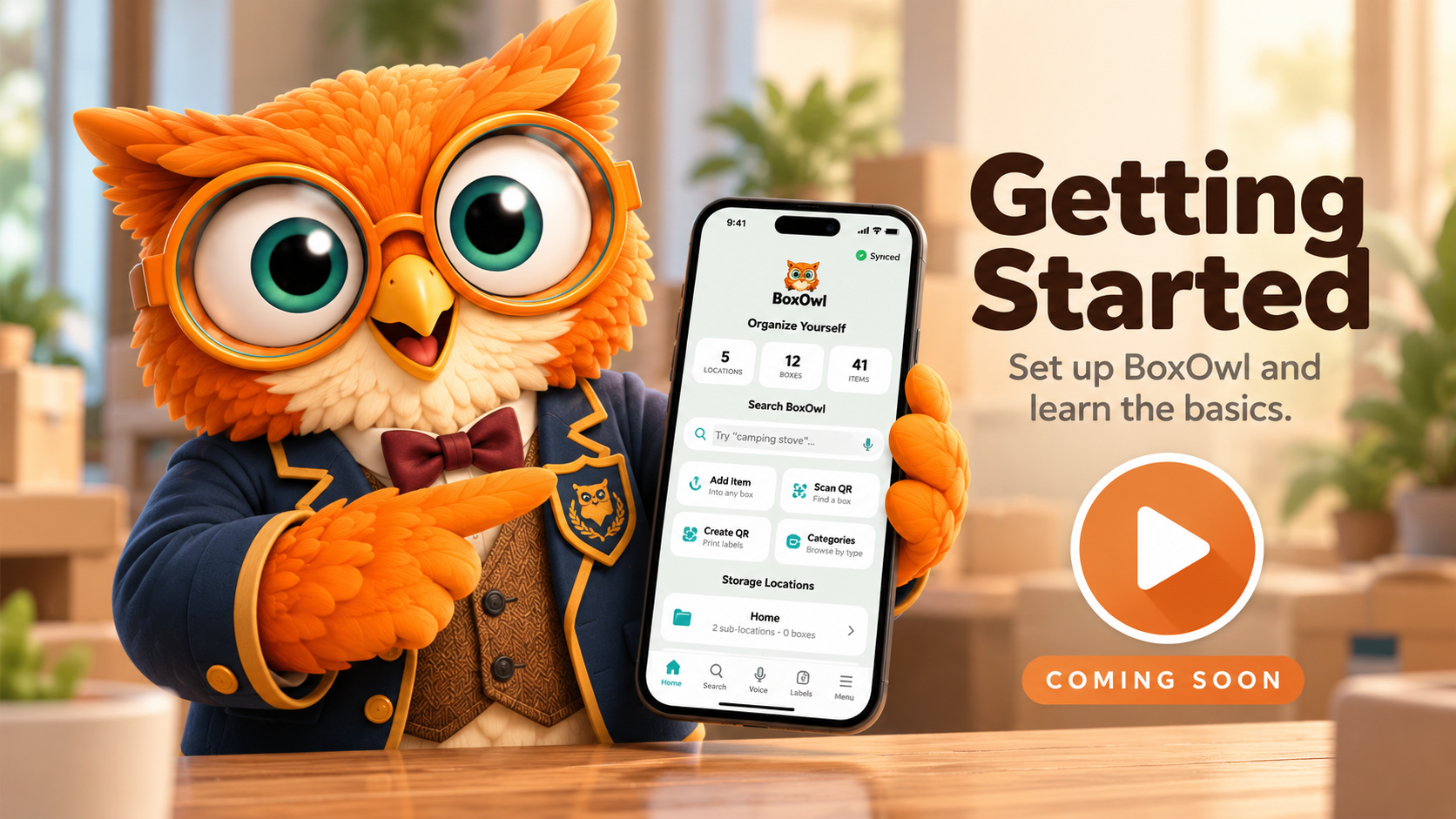
Getting Started
Set up BoxOwl and learn the basics.
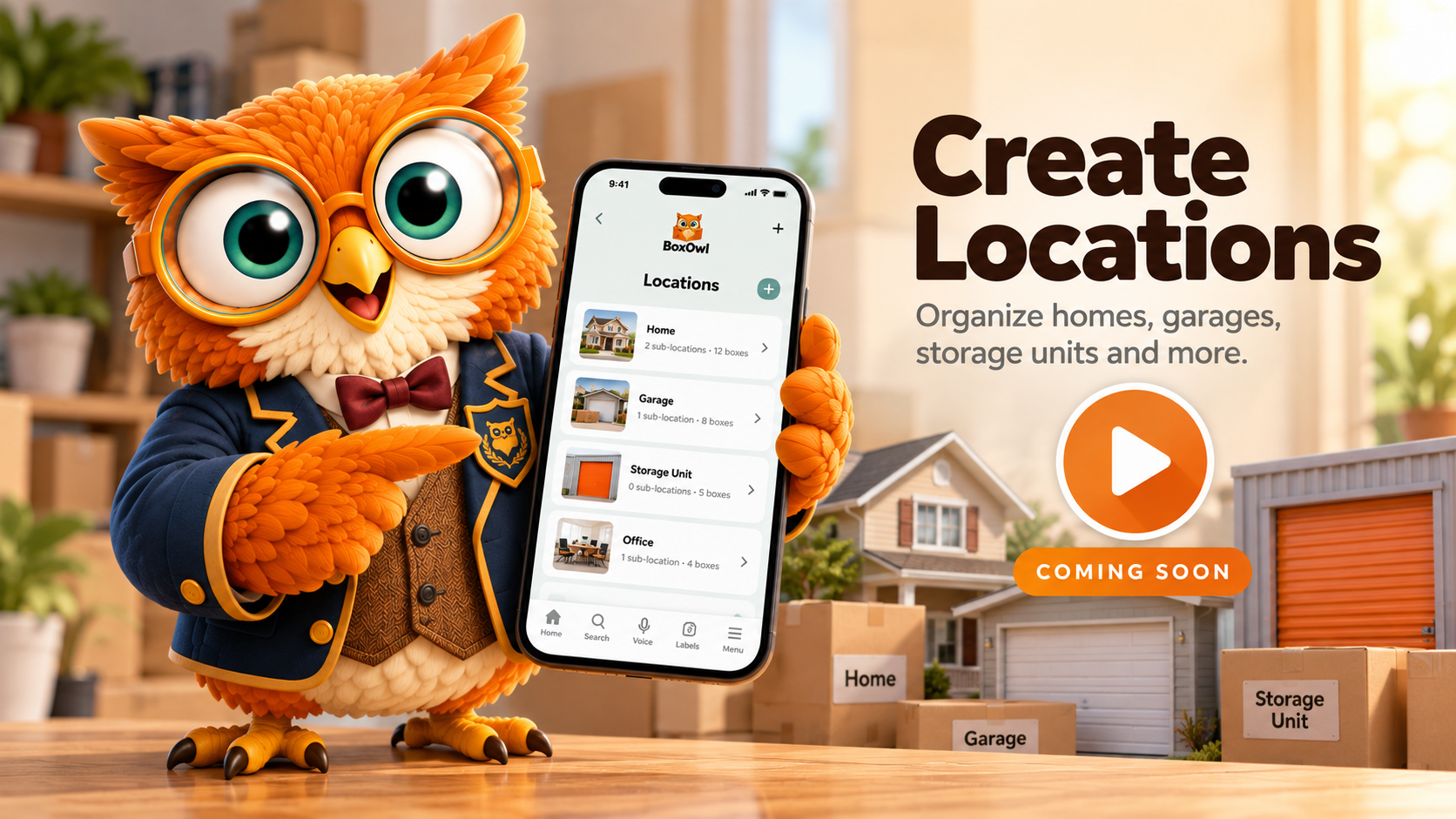
Create Locations
Organize homes, garages, storage units and more.
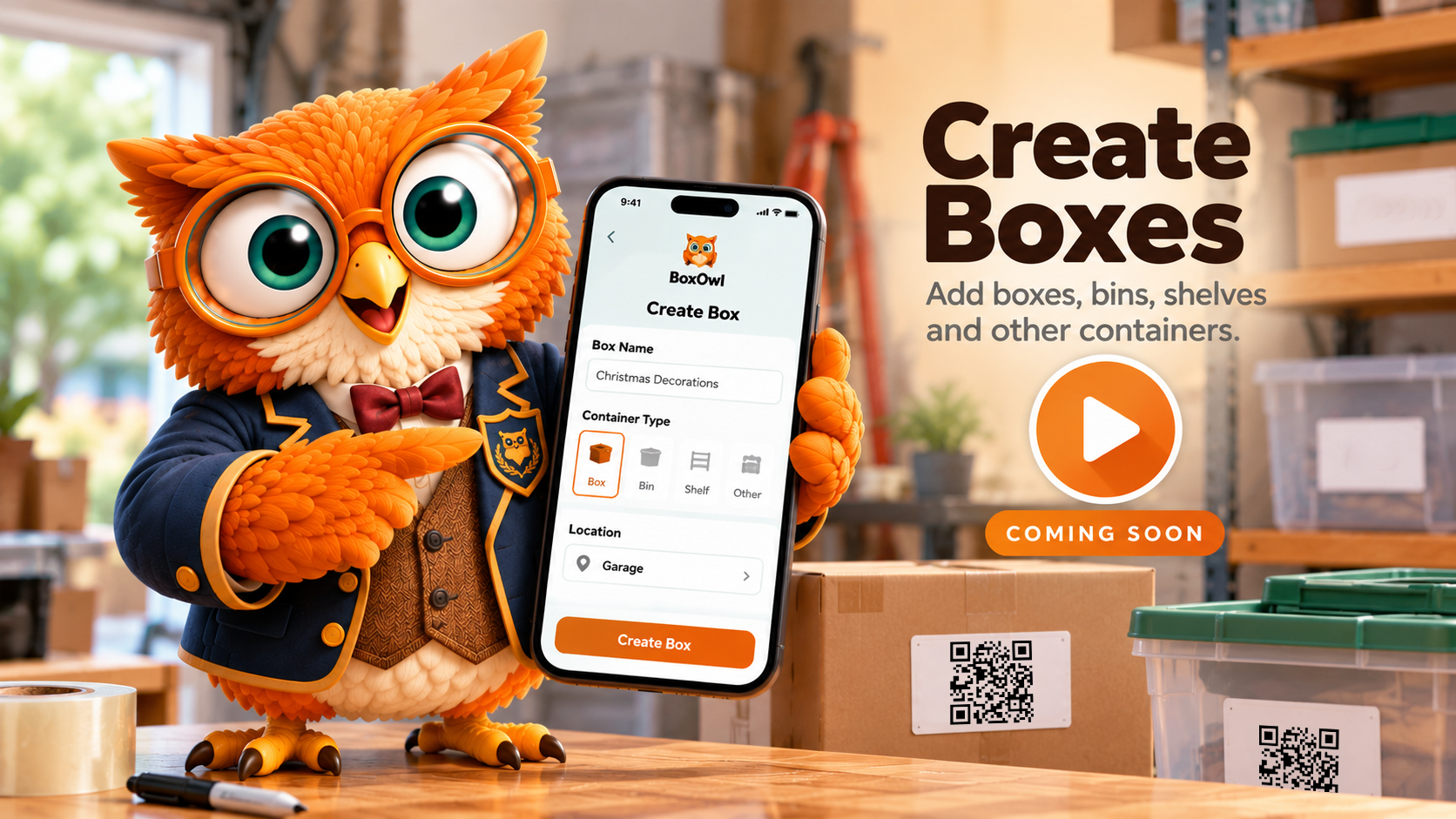
Create Boxes
Add boxes, bins, shelves and other containers.
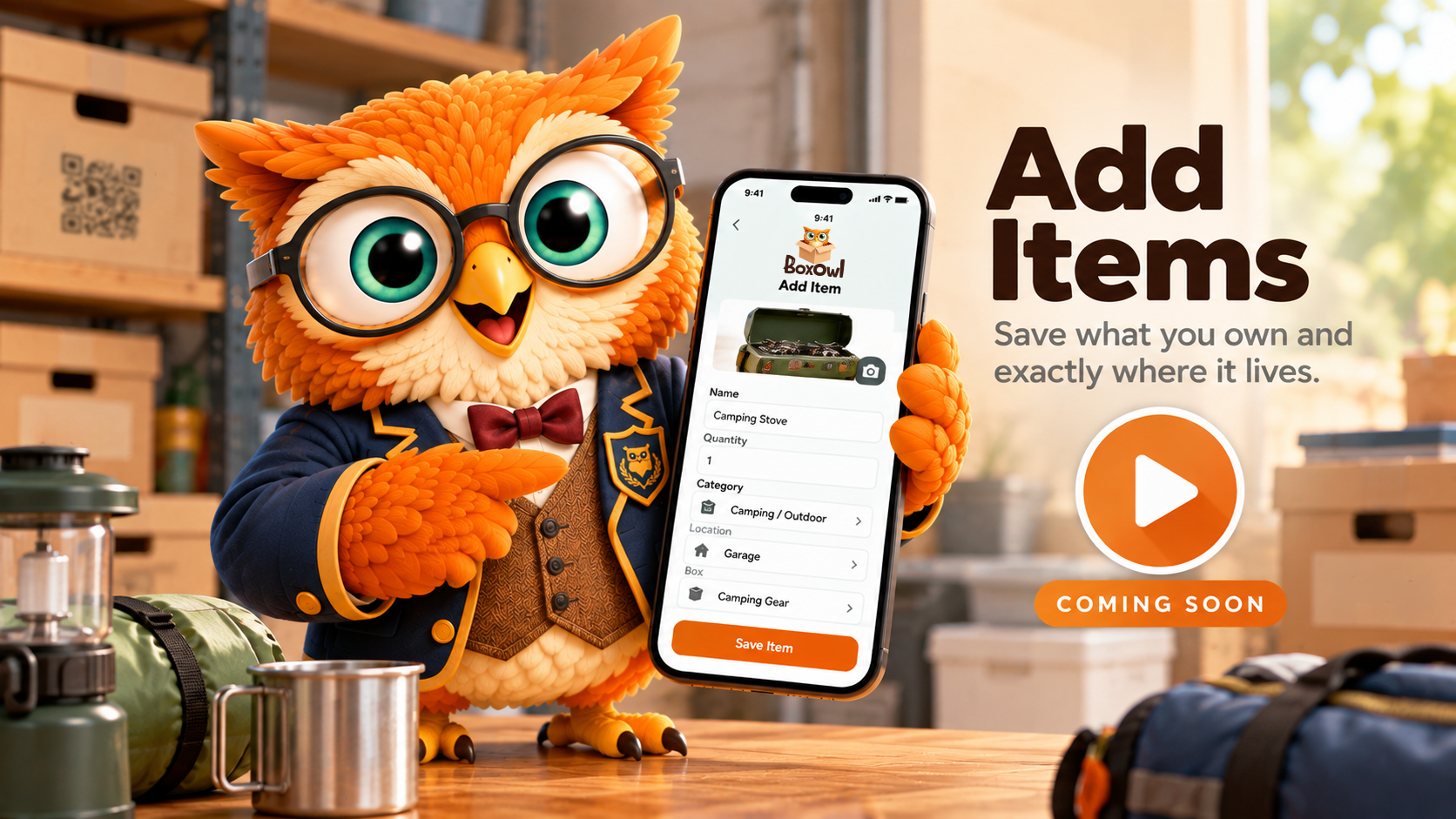
Add Items
Save what you own and exactly where it lives.
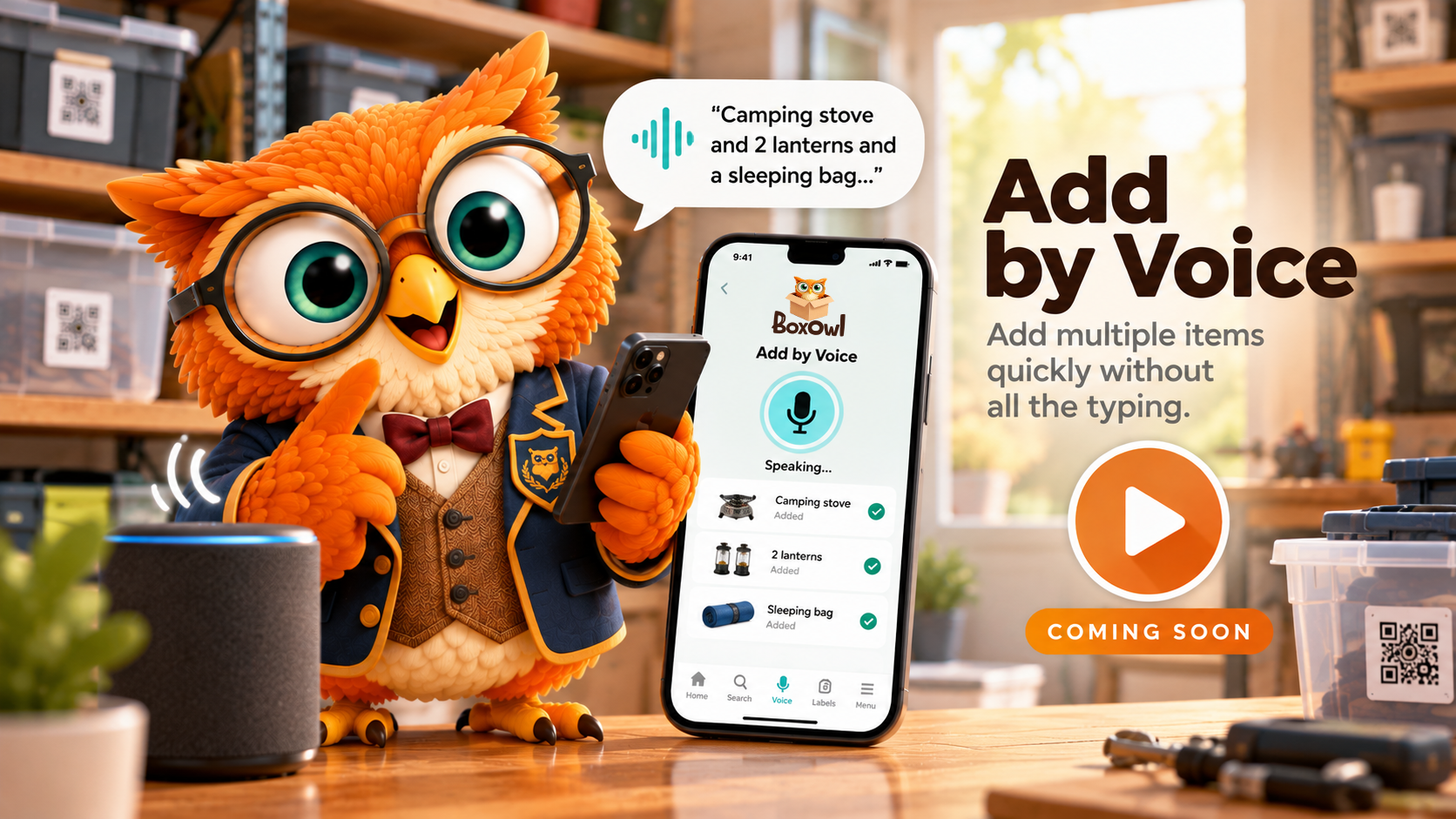
Add by Voice
Add multiple items quickly without all the typing.
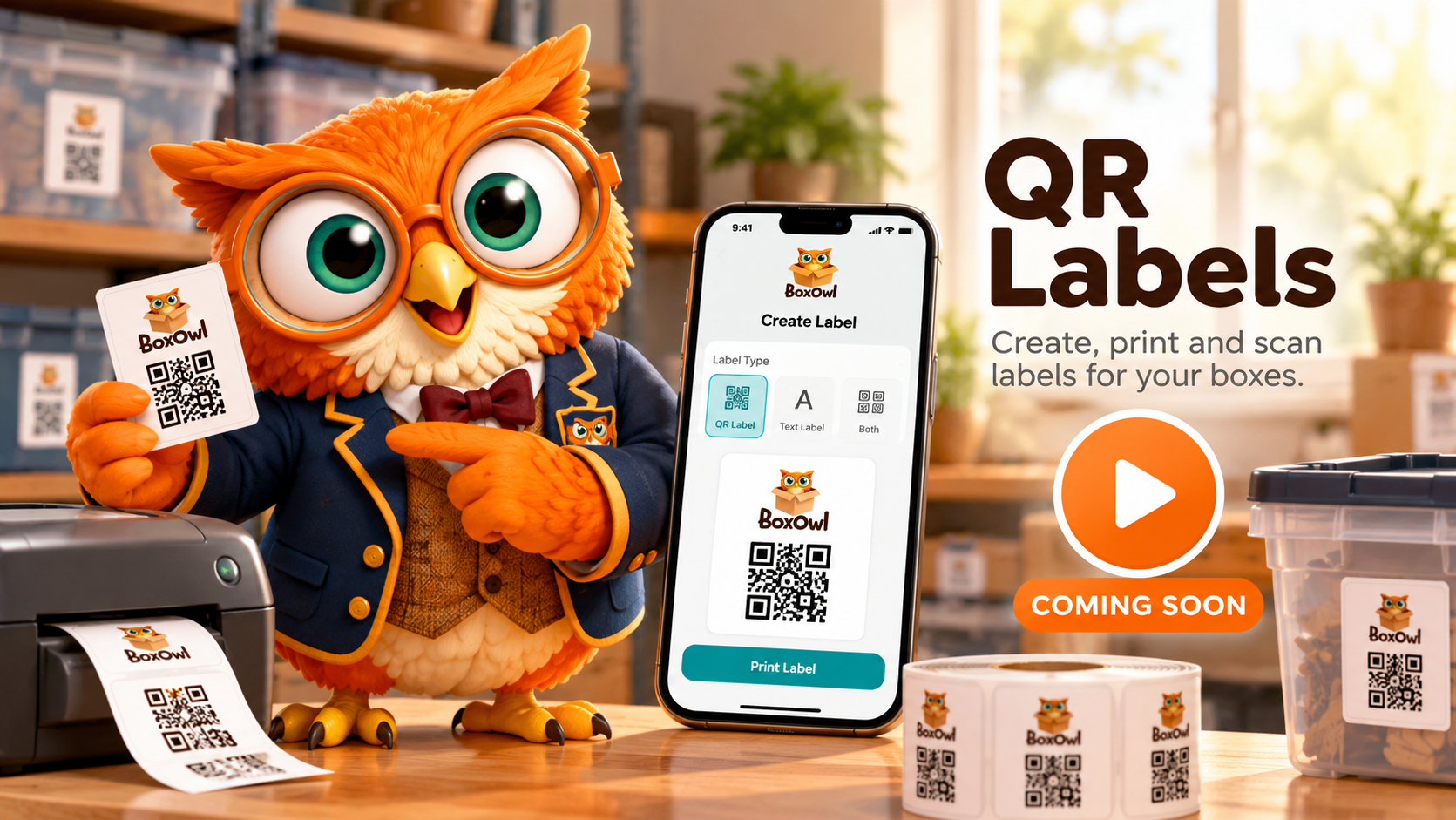
QR Labels
Create, print and scan labels for your boxes.
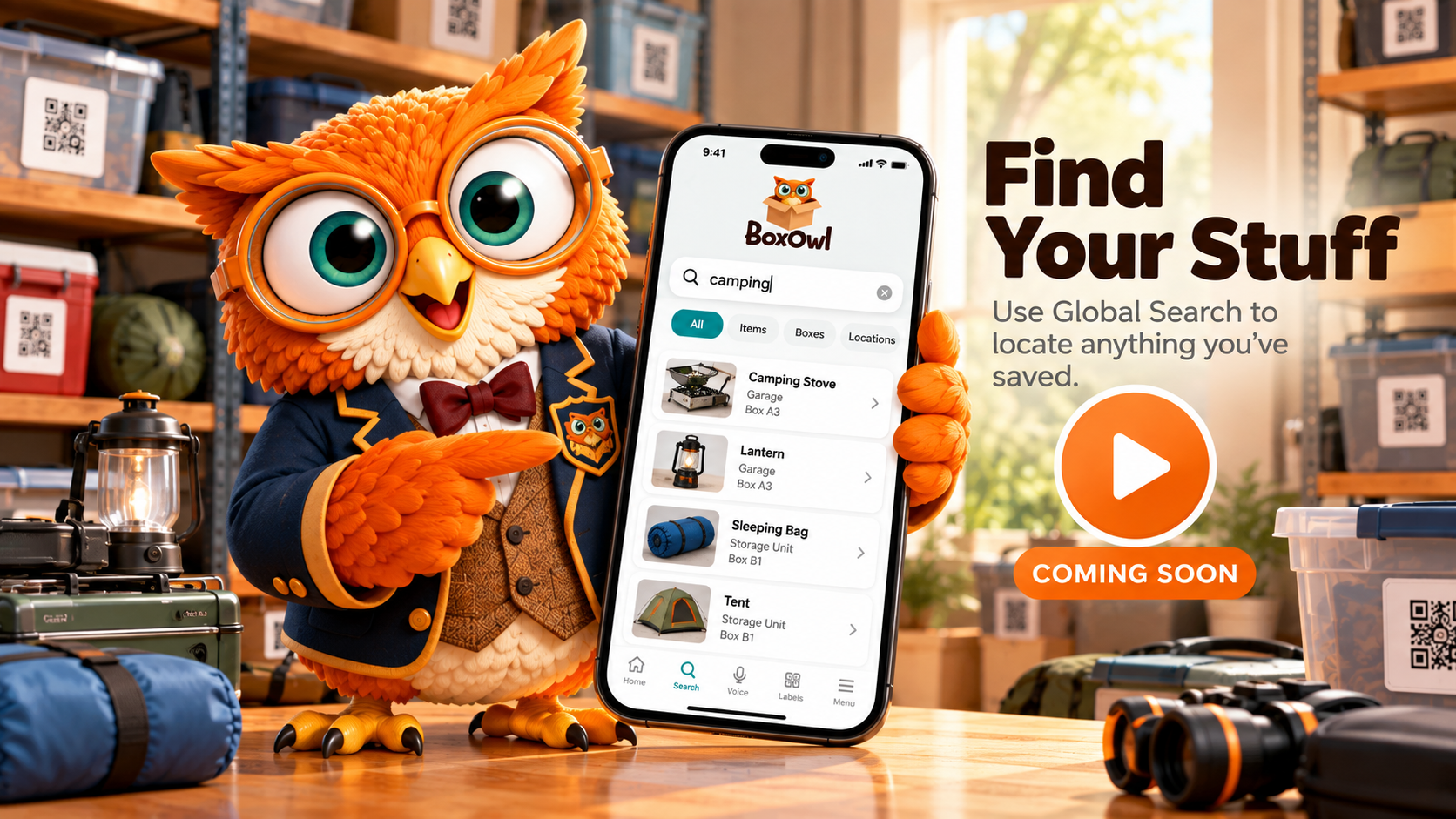
Find Your Stuff
Use Global Search to locate anything you've saved.
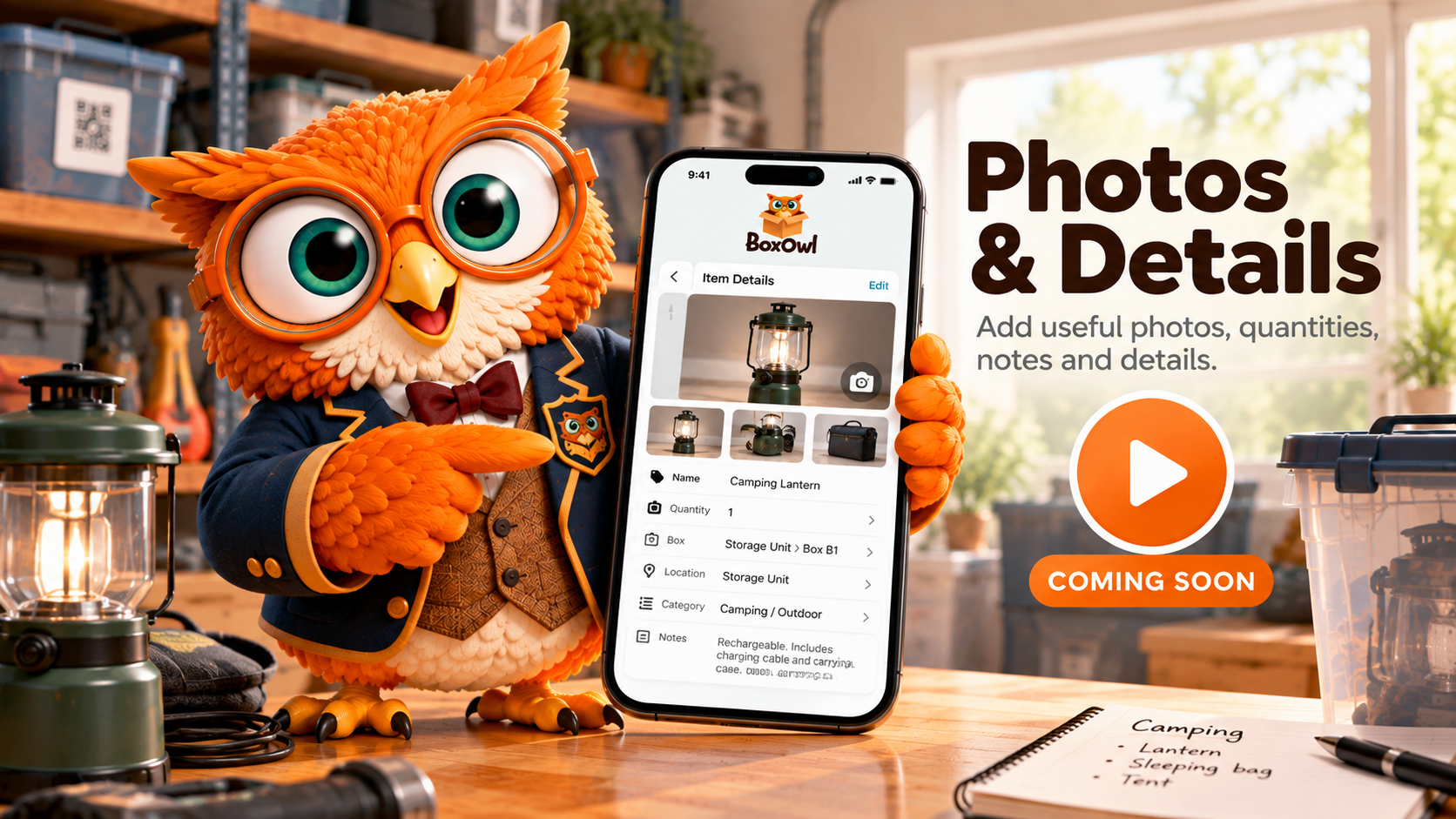
Photos & Details
Add useful photos, quantities, notes and details.
THE PROPER WAY TO BOXOWL
Professor Owlgustus has a system.
Putting something away is only half the job. BoxOwl it so you'll know exactly where to find it later.
“Putting something into a box without BoxOwling it is merely hiding it more efficiently.” — Professor Owlgustus
FREQUENTLY ASKED QUESTIONS
A few sensible questions.
What should I create first in BoxOwl?
Start with a Location, such as your home, garage or storage unit. Then add boxes, shelves or other containers as needed and begin adding the things you want BoxOwl to remember.
Do all my items need to be inside a box?
No. Some things simply do not belong in boxes. Items such as bicycles, skis, furniture and larger equipment can be organized by their Location without requiring a box or container.
Can I use BoxOwl without QR labels?
Yes. QR labels are optional. They provide a convenient way to connect physical storage with BoxOwl, but you can organize and find your belongings without them.
What does “BoxOwl it” mean?
To “BoxOwl it” means to save what you have and where it is in BoxOwl, so you'll know exactly where to find it later.
How do I find something I've saved?
Use Global Search to search across your BoxOwl inventory and see where an item is stored.
Where can I learn how to use BoxOwl?
Start with the tutorials above or ask Professor Owlgustus a BoxOwl question at the top of this Help page. More video tutorials will be added as they become available.
STILL NEED HELP?
Professor Owlgustus is here for you.
Can't find the answer? Contact BoxOwl support and we'll help get things properly sorted.
A BOXOWL MOMENT
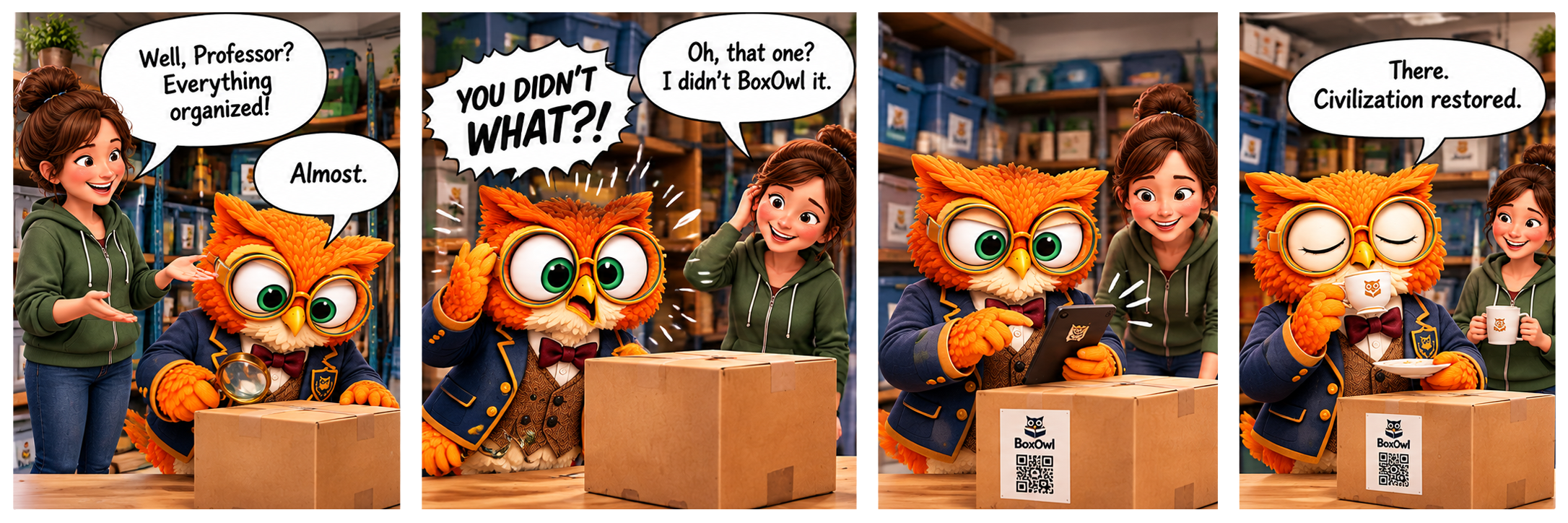
DID YOU BOXOWL IT?
Putting it away is only half the job.
ORGANIZE YOURSELF.
Know what you have. Know where it is. Let BoxOwl remember the rest.